Skip to content

Guide

Reports

Track visibility, engagement, and growth across your Google Business Profile over time.

  1. Four tabs: Growth reports, Reviews, Performance and Heatmaps. Start on Growth reports for a month-over-month summary.
  2. Reviews holds the ratings and private feedback that arrive through your front-desk QR code. Heatmaps shows, keyword by keyword, where around you your business ranks in the local map results.
  3. Use the range pills on the Performance tab to switch the reporting window.
  4. Use "Print / Save as PDF" to export a clean copy to share.
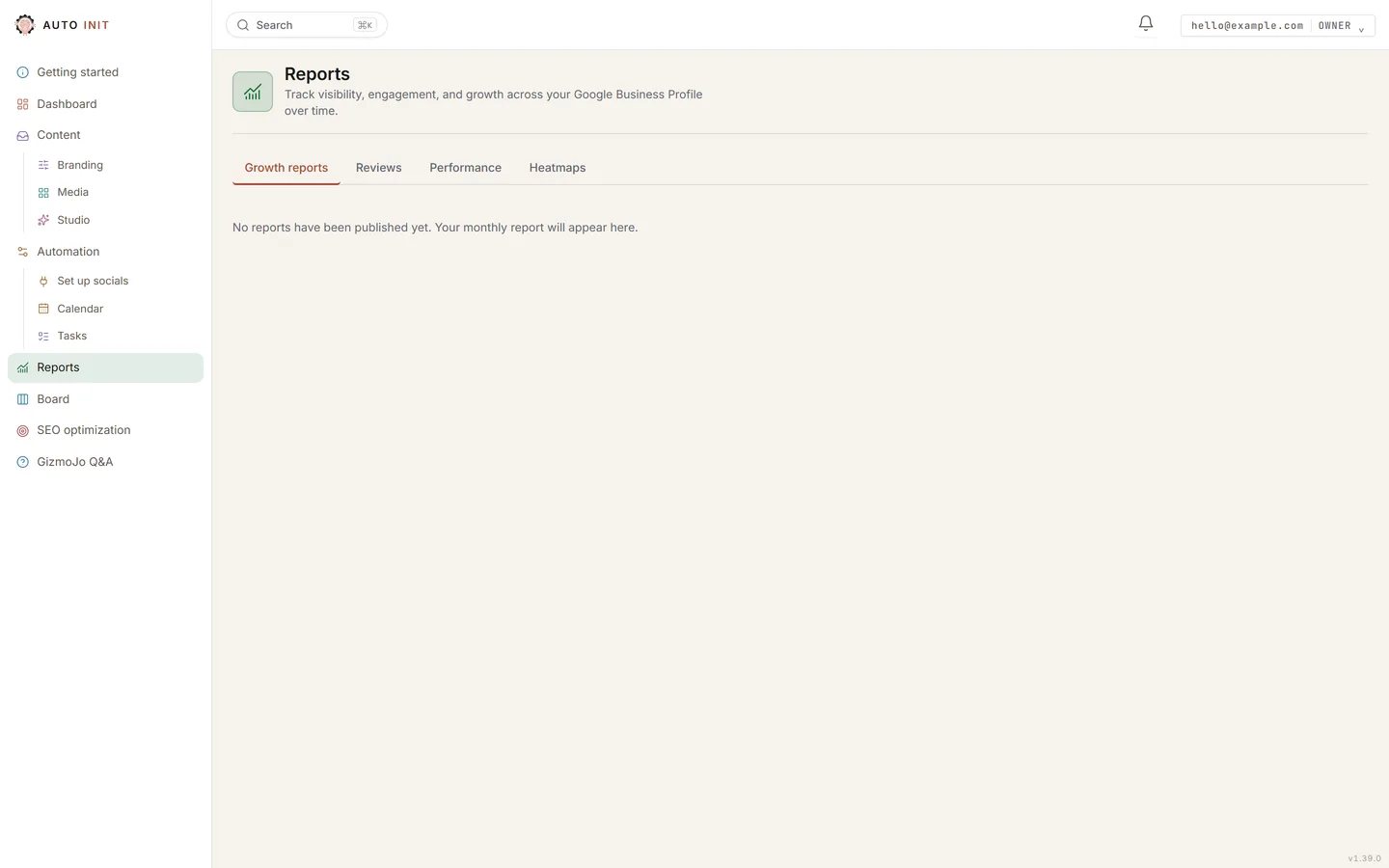
Reports: your monthly growth report lands here, with Reviews, Performance and Heatmaps beside it.

Ready to see it on your own business?

Start the free trial, or tell us what you do and we show you what we would automate first.

Get started

Log in