
Guide
Getting started
A guided tour of Marketing Studio: what every screen does and how to use it.
You approve. It does the rest.
A few minutes a week from you. A full marketing engine underneath.
The whole loop in seven steps. Follow it once and you'll know your way around.
Teach it your voice
Review your captured tone, favorite phrases, and do-not-use terms under Content, Branding. Everything the system writes for you follows this.
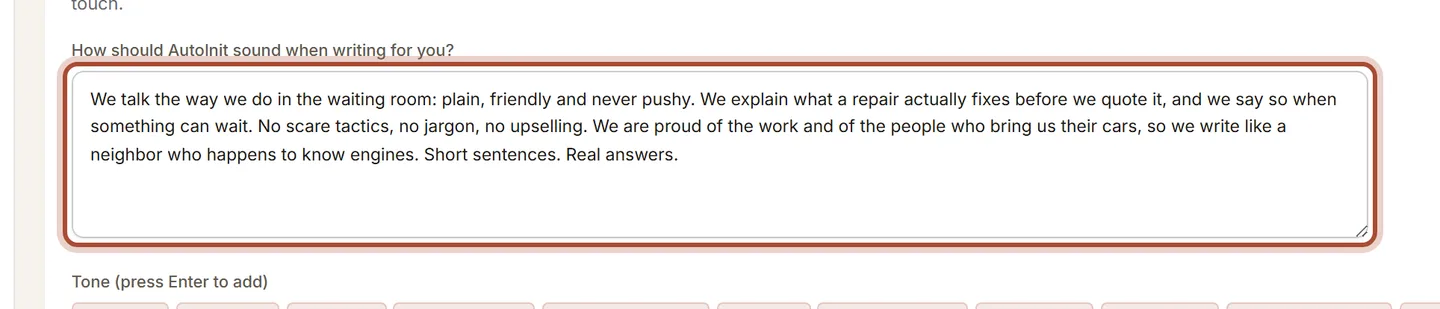
Branding: the tone and language rules your content follows. Connect your socials
Tell Marketing Studio where your posts go. Each platform has a short illustrated guide; connect the ones you use and skip the rest. Nothing goes out without your approval.
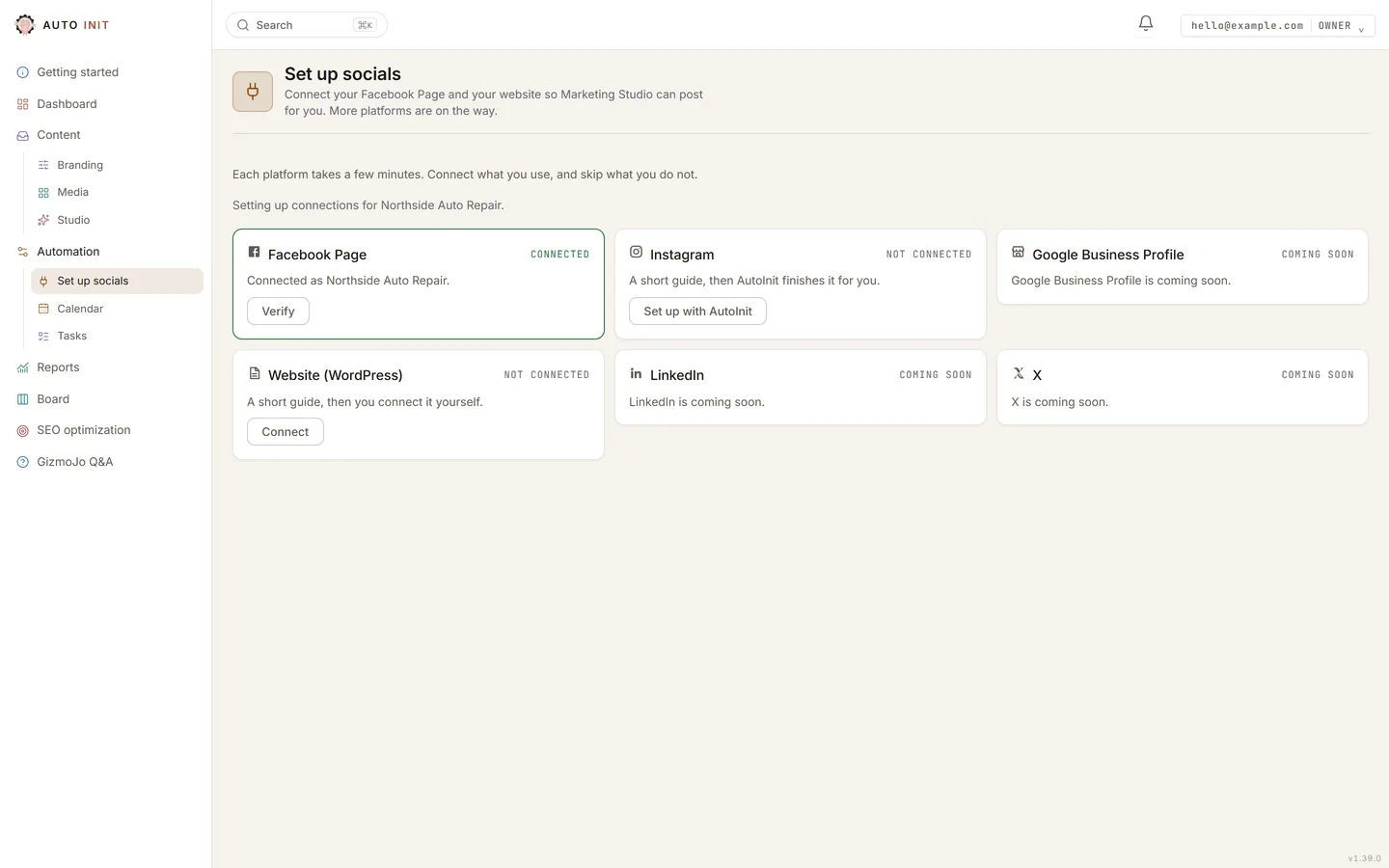
Set up socials: one card per platform, each saying where it stands. Set your rhythm
Choose how often each type of content is drafted, and when staged posts go out. The system follows your schedule, so you never start from a blank page.

Cadence: how often each content type is created. Create
Generate a post from a topic you type or an idea you saved. Your brand voice is applied automatically.
Review & approve
Read each draft, then Approve, Edit, or Reject. Attach a photo here too. Auto Assign picks one from your library, or you can make one in Studio.Nothing publishes to a live profile without your approval.

Review: approve, edit, or reject each draft. Stage & schedule
Approving marks a post ready. Stage is what queues it for automatic publishing. The week on the Dashboard shows when it goes out.
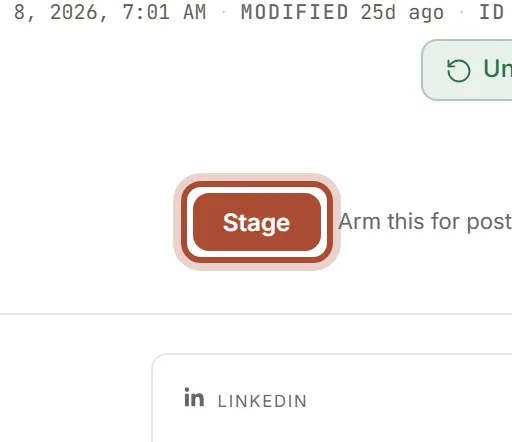
Stage an approved post to arm automatic publishing. Watch it grow
Your posts go out to Facebook, Instagram and your website’s blog on schedule. Track visibility and engagement in Reports, and watch reviews come in from the front-desk QR code.
Short answers to the things you'll actually want to do. Click any card.
Create & publish
From a topic to a live post on your channels.
Photos & media
Get your photos in, approved, and ready to post.
When something needs attention
What the badges mean and how to fix a stuck post.
Growing your presence
Reviews coming in, and a voice that keeps getting more like you.
Platform playbooks
What each platform rewards, what Google says about it, and what we do.
Ready to see it on your own business?
Start the free trial, or tell us what you do and we show you what we would automate first.
Get started