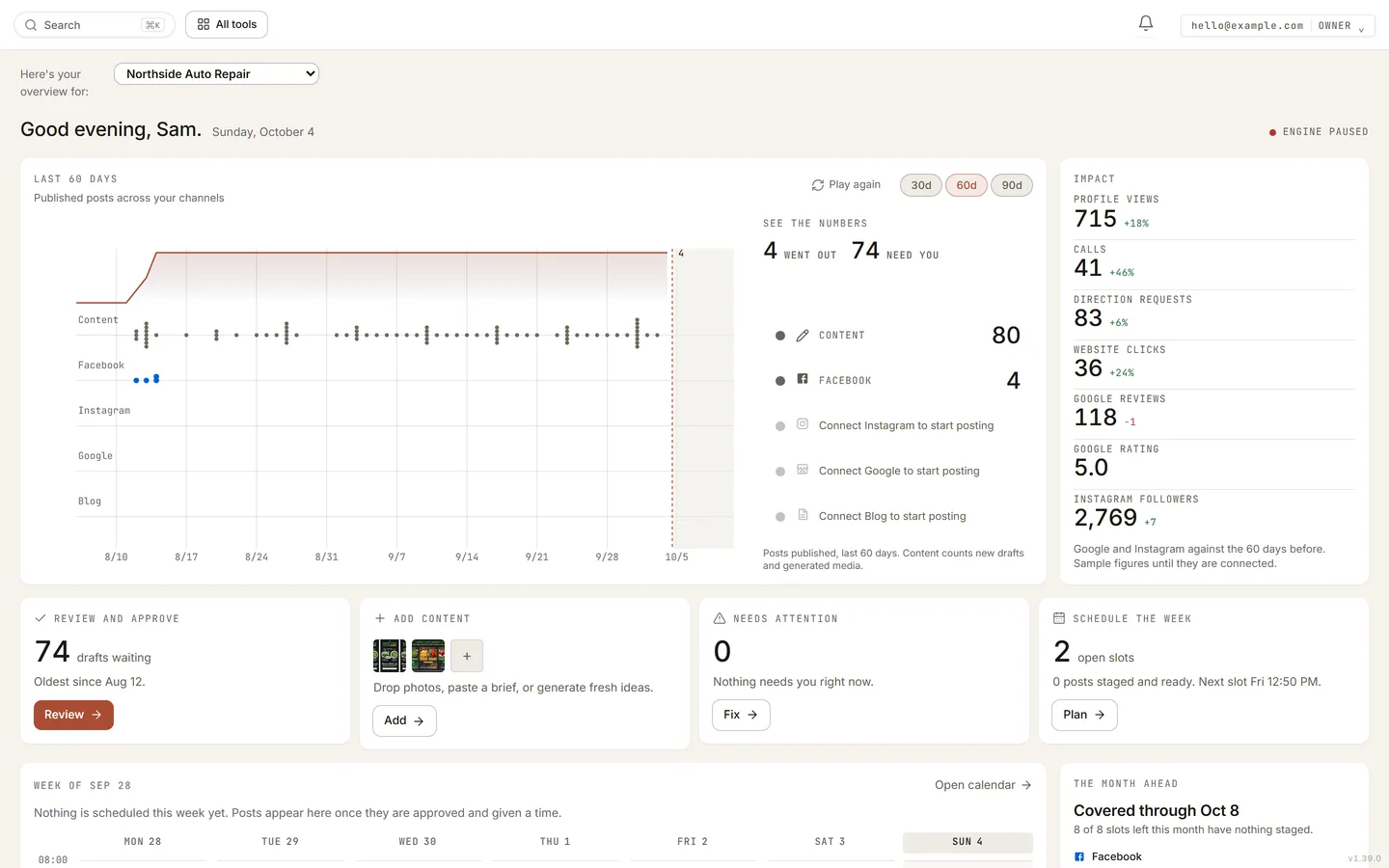
- The strip at the top shows every draft written and every post that went out, lane by lane, over the last 30, 60 or 90 days; pick the range above it. It plays once when the page opens, and Play again runs it a second time. Beside it, See the numbers counts them: content first, then each platform, with what each count measures named under it, and the Impact panel sets your profile views, calls, directions, clicks, reviews and followers against the period before.
- The four cards are the work: Review and approve, Add content, Needs attention, Schedule the week. Each button takes you straight to that job.
- The week below puts each post at its posting time, marked with its platform’s logo, read-only; the full month is the Calendar page, under Automation. Click a day to see everything on it. Beside the week, The month ahead counts the posting slots left in the month and what will fill them. All tools, top right, opens every page, with Content, Automation and Media as the three big tiles.