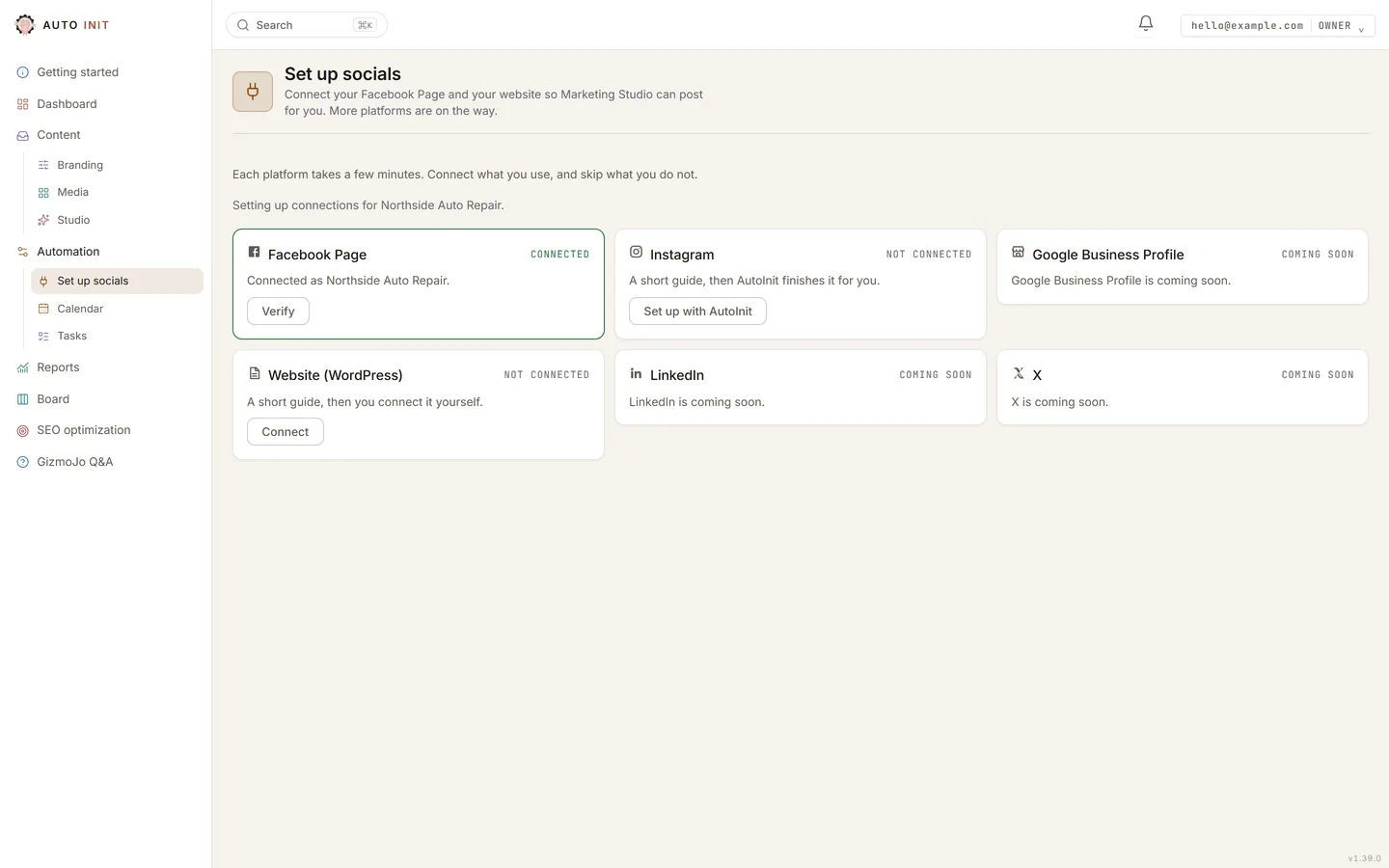
- Open Set up socials and press Connect on the Website card. The guide walks you through it; keep your WordPress admin open in another tab.
- In WordPress, make sure there is a user with the Editor role for AutoInit and note its username.
- On that user, create an Application Password and copy it; WordPress shows it one time only.
- Paste the site address, the username and the password. We check the site first, then you choose which author the posts appear under and whether they go live or wait as private on your site for one more look.
- Done. Blog posts you approve now publish to your site. You can change the author and the live-or-private choice any time under Automation, Connections.Revoking the Application Password in WordPress disconnects us at once.