Skip to content

Guide

How does a post get its photo?

Auto Assign picks from your approved photos, or choose one yourself, or make one in Studio.

  1. Auto Assign picks the best match from your library; only approved photos are ever considered.
  2. Prefer to choose? Pick any photo from Media right on the post’s card. The picker can hide photos posted in the last 45 days, so you do not repeat yourself.
  3. Want something new? Open Studio, generate or compose an image, and send it straight back to the post.
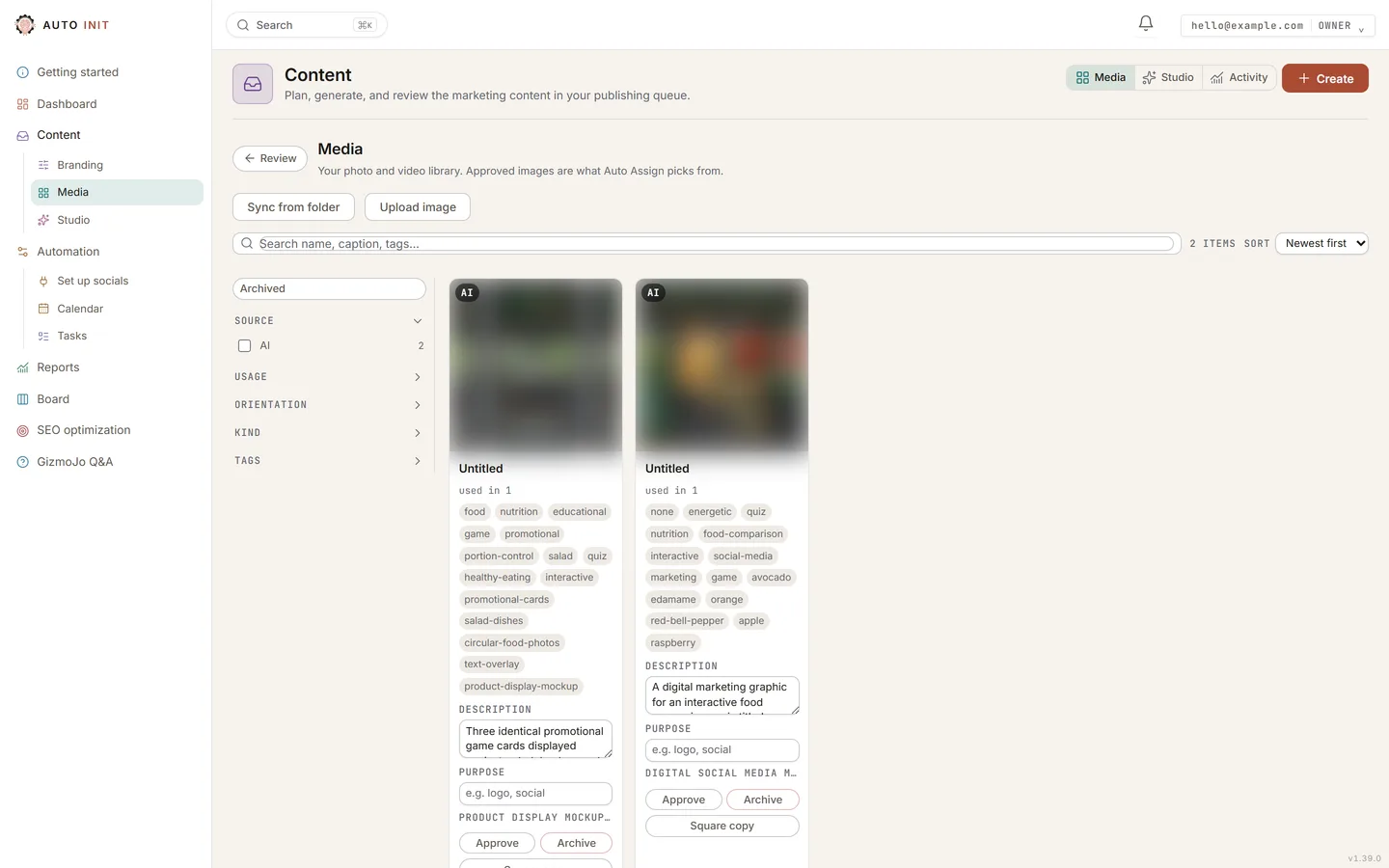
Approved photos form the pool Auto Assign picks from.

Ready to see it on your own business?

Start the free trial, or tell us what you do and we show you what we would automate first.

Get started

Log in