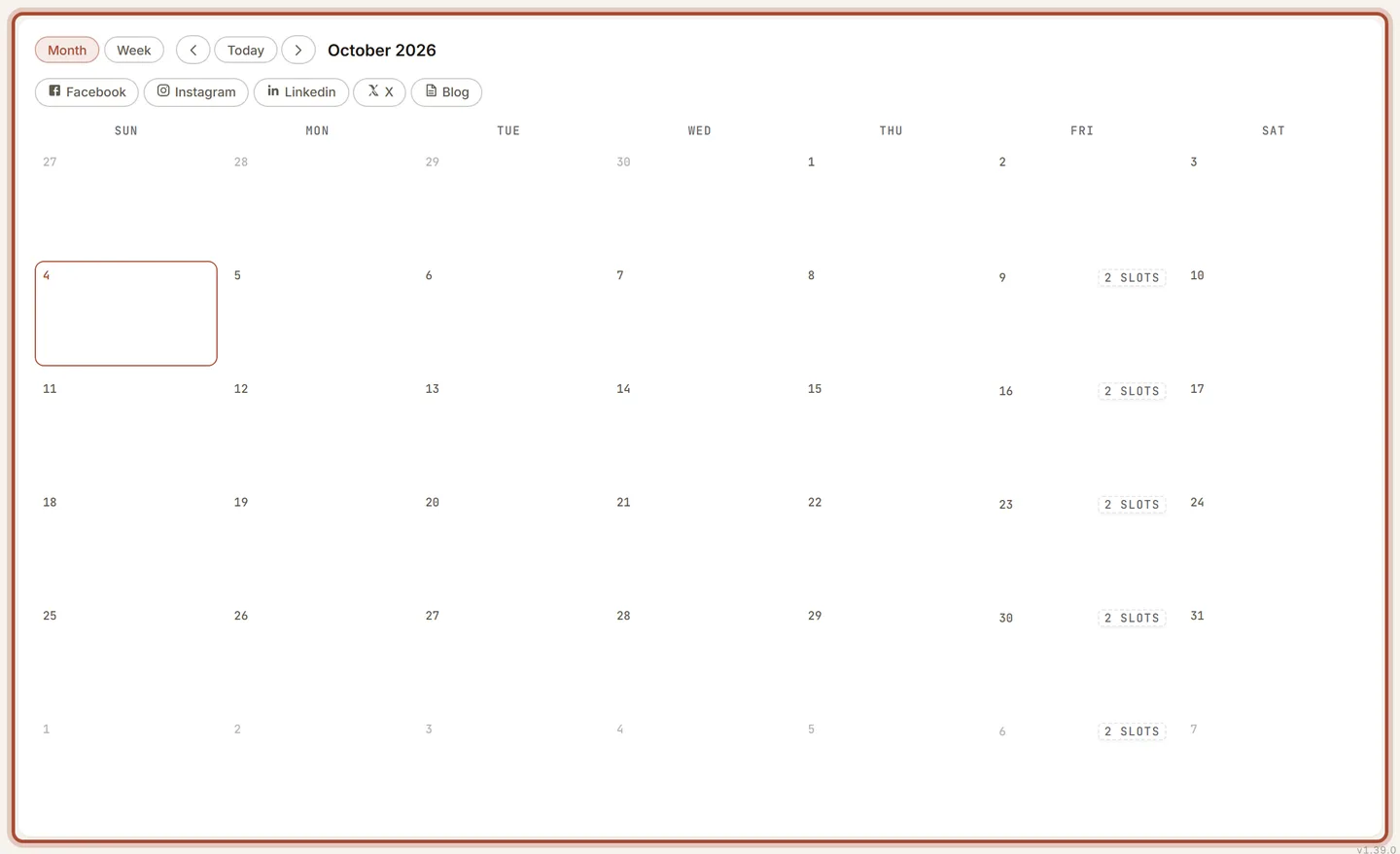
- The month shows every scheduled and posted item on its day, each marked with its platform. Drag a post to another day to move it; the time of day stays the same.
- Switch to Week to see each post at its posting time, the way a calendar app shows meetings. Posts at the same time sit side by side.
- Click a day to see everything on it, a post to open it in Review, or an open slot to change your posting schedule.