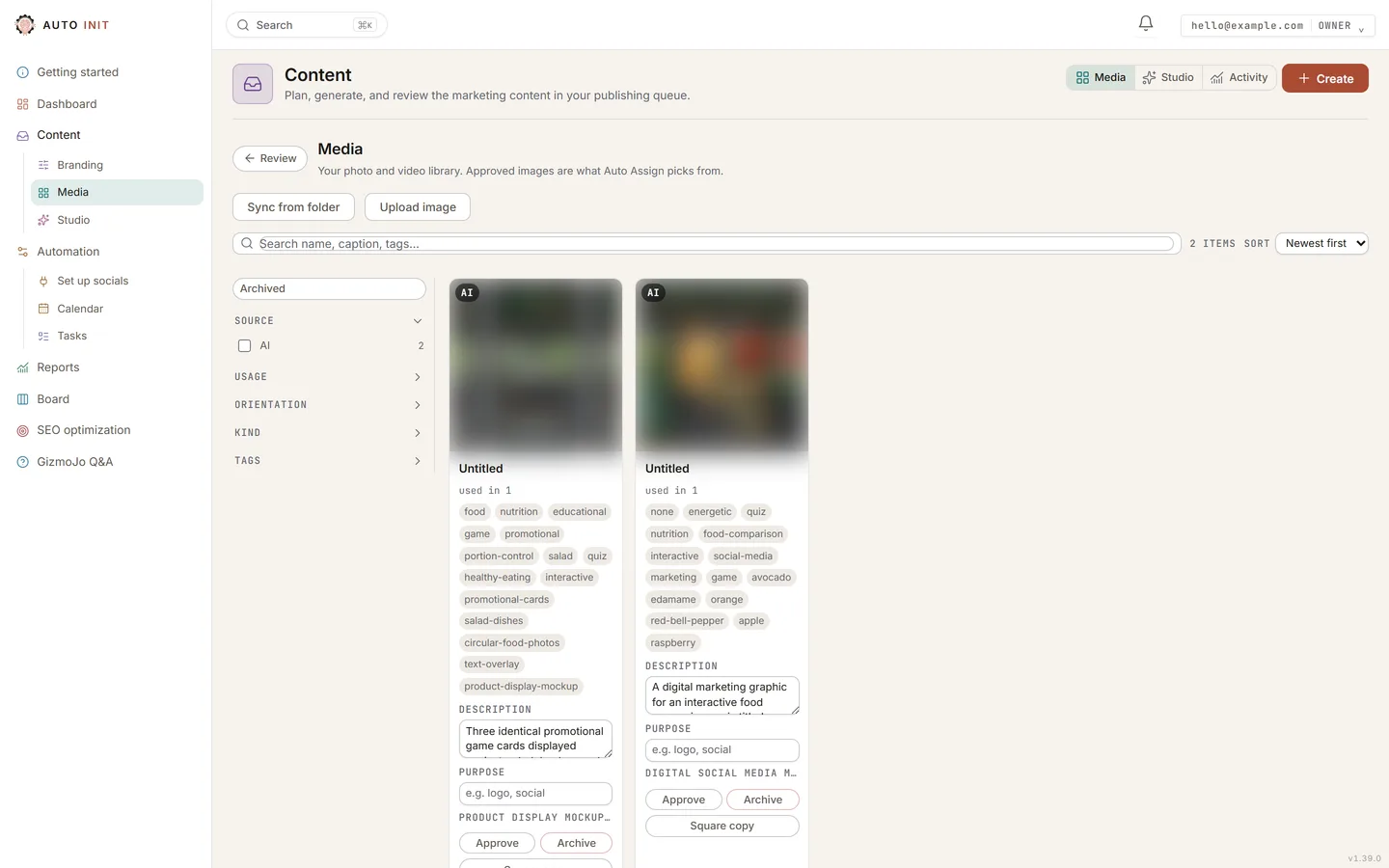
- Open Media in the left nav and use Upload. iPhone photos (HEIC) convert automatically, so pick them like any other.
- Have a folder of photos on this computer? Sync from folder pulls them all in at once.
- Photos in Google Drive can be added from the Media library: Connect Google Drive once, then Add from Drive opens the picker. They can also be picked from inside a post: open the post in Review and use the Drive picker on its photo.
- Your past Instagram and Facebook posts are imported for you by the AutoInit team. They sit in Drafts after your new drafts, wearing an Imported badge; pick All on the strip to see everything at once.
- Approve the photos you want the system to use. Only approved photos are ever picked automatically.